
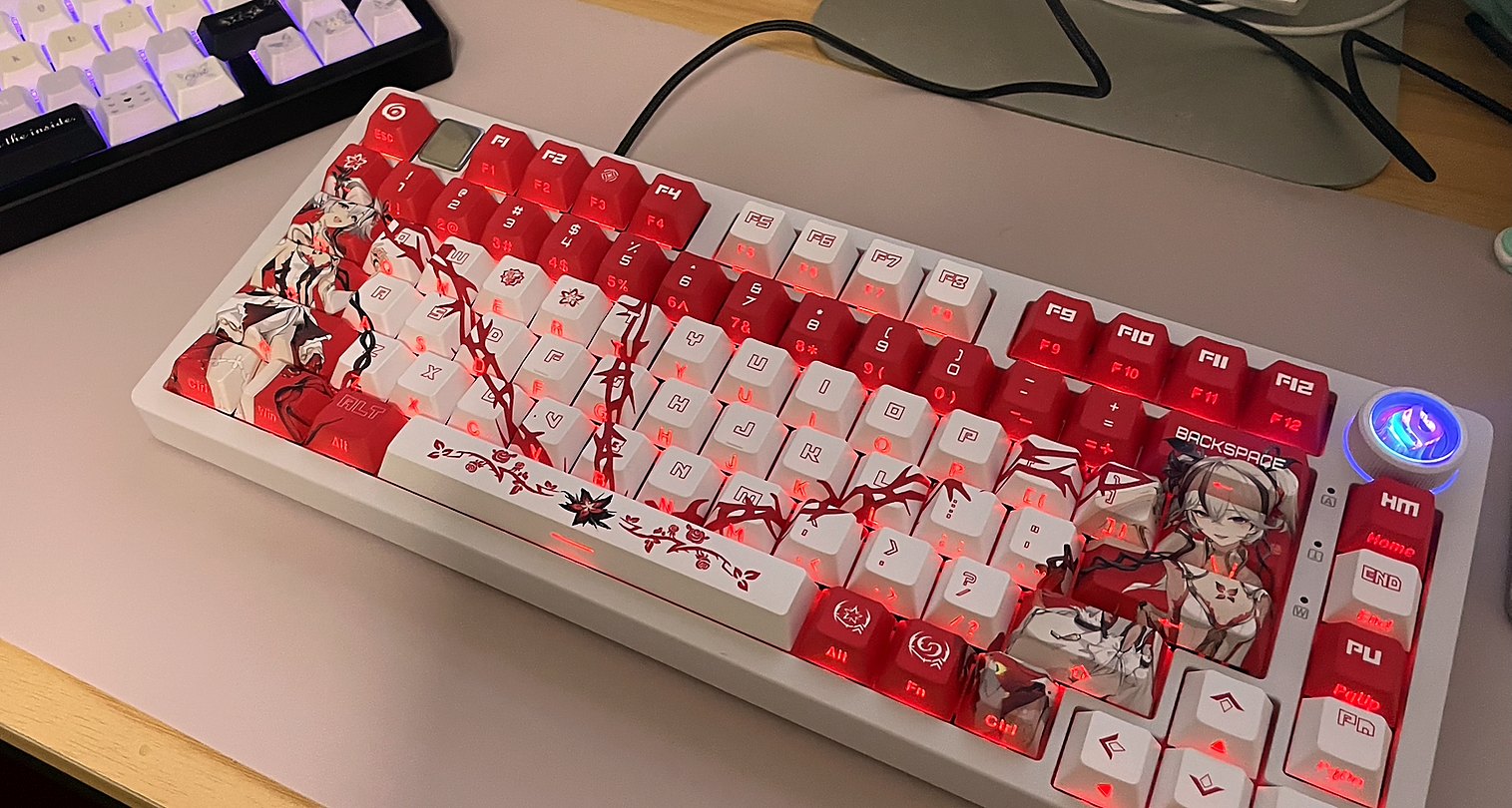
3D showroom guide · Australia
See the keyboard before you choose the look.
Explore a keycap direction, compare caps on and off, edit colours, and test the keyboard in one visual workspace.
Inside the studio
Make it yours.
Your design journey
From first look to practical next step.
You do not need to know keycap profiles or factory templates. Start with the visual direction and explore the keyboard controls.
-
01
Choose a direction
Start with Crimson Bloom, Midnight Butterfly, or Neon System.
-
02
Compare caps
Switch between the finished keycaps and the bare keyboard structure.
-
03
Mix keycaps
Select one key and swap in artwork from another compatible set.
-
04
Set the mood
Coordinate the case finish and background with your keycaps.
-
05
Keep your design
Save your setup on this device, share it, or include it with an enquiry.